
Our Blogs
Blogs
/
Blog Details

16 Best E-commerce SEO Tools to Drive More Traffic

Table of Contents

Comments
No Comments
Author
Debojit Mitra Roy
Post Date
Vector 3 1
View
0
share 1
Shares
Vector 2 1
"Explore the significance of digital marketing in today’s business landscape and discover effective strategies and powerful tools to enhance your online presence & engage your target audience."

Introduction:

Why E-commerce Stores Need SEO Tools

Imagine you own a clothing store. You have hundreds of beautiful shirts, pants, and jackets on display. But there’s a problem—your store is hidden on a small side street. Most customers never find you because they don’t know you exist.

That’s exactly what happens to online stores without good SEO. When people search for “men’s blue t-shirts” or “summer dresses online,” your products don’t appear in Google’s search results. Meanwhile, your competitors are getting all the traffic and sales.

This is why SEO (Search Engine Optimization) is the most powerful way to get free traffic to your online store. Unlike paid ads that cost money every single day, SEO brings customers to you through Google searches. Once your products rank high, they keep bringing traffic month after month without paid ads.

The Challenge E-commerce Stores Face

Here’s the hard truth: running SEO for an online store is much harder than running a regular blog or website. Why?

  • You have tons of product pages: A clothing store might have 500 different products. A large electronics store could have 5,000 items. Managing SEO for that many pages is impossible to do by hand.
  • Duplicate content problems: The same blue shirt might have different colors, sizes, and prices. Google gets confused about which version to rank.
  • Your website needs to be super fast: Slow websites lose customers and ranking points from Google.
  • Competitors are fierce: Everyone is trying to rank for popular product searches.


These are special software programs designed to help online store owners solve these exact problems.

What This Guide Covers

In this guide, we’ll explore 16 of the best e-commerce SEO tools available today. Some top names are Ahrefs, Semrush, Google Search Console, Google Analytics (GA4), Moz Pro, Screaming Frog SEO Spider, Ubersuggest, SE Ranking, Surfer SEO, Yoast SEO, All In One SEO (AIOSEO), BrightEdge, Google Trends, Google PageSpeed Insights, MonsterInsights, and Majestic.

Whether you run a small Shopify store or a large WooCommerce site, you’ll find practical tools and strategies to help you:

  • Get more customers through Google search
  • Rank higher for product keywords
  • Fix technical problems on your website
  • Understand what your competitors are doing
  • Track your progress and improve over time

What Are E-commerce SEO Tools?

E-commerce SEO tools are software programs that help e-commerce stores to improve the way their products appear in Google search results.


They do many different jobs:

  • Find keywords that customers actually search for (like “best noise-canceling headphones”)
  • Check if Google can properly “see” and understand your product pages
  • Compare your store to what competitors are doing
  • Write better product descriptions
  • Track if your rankings are improving
  • Make sure your website loads quickly

Regular SEO tools work fine for blogs or news websites. But they’re not built for stores with hundreds of products.

E-commerce SEO tools are mainly created for online retailers. They face problems like managing multiple product URLs, tracking thousands of pages, and understanding shopping behavior.

Why E-commerce SEO Tools Are Essential to Drive Real Traffic

Let’s look at a real example to understand why these tools matter.


Debojit’s Candle Store: Debojit sells handmade candles online. She started with 10 products. She could manually create product descriptions and hope Google would rank them.


But then his business grew. Now he has 200 candles in different scents, sizes, and colors. Without a tool, he’d need to spend 40 hours every week just managing keywords and optimizing pages, and it is time-consuming.


With an e-commerce SEO tool, he can:


  • Analyze keywords for all products in minutes (instead of weeks)
  • Find gaps—like “vanilla candles for relaxation” that competitors rank for, but he doesn’t
  • Check if all his pages load quickly and work properly
  • Track which products are bringing the most Google traffic
  • Spot technical issues that prevent Google from finding its pages.


Without the tool, Debojit would have given up on SEO. With it, he increased organic traffic by 300% in 6 months.


Here’s why e-commerce businesses invest in these tools:

  • Organic search brings 40% of online store traffic (paid ads bring only 30%)
  • SEO-optimized product pages convert 3-5x better than regular pages
  • Organic customers have a 37% higher retention rate than paid customers
  • Every dollar spent on SEO brings back $3-5 in revenue over time

Key Features to Look for in the Best E-commerce SEO Tools

When comparing tools, look for these must-have features:

  • Keyword Research for Products: The tool should help you find what customers are searching for. Not just “shoes,” but “waterproof hiking shoes for women under $100.”

  • Technical SEO Auditing: This checks if Google can properly crawl and index your entire website. It finds broken links, slow pages, and other hidden problems.

  • Competitor Analysis: See what competitors rank for. Find keywords they target that you’ve missed. Understand their strategies.

  • Content Optimization: It helps to write better product descriptions that Google likes and customers want to read.

  • Rank Tracking: Monitor if your products are climbing higher in Google search results over time.

  • Page Speed Analysis: Check if your site loads fast enough. Slow sites lose customers and ranking points.

  • Platform Compatibility: Make sure the tool works with your store platform (Shopify, WooCommerce, Magento, etc.).

Best E-commerce SEO Tools to Drive Traffic

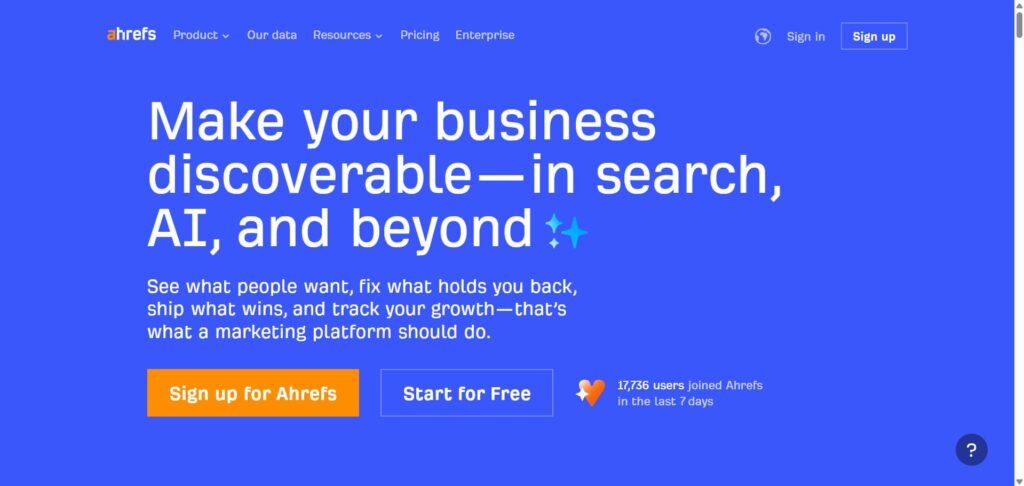
Tool 1: Ahrefs

Ahrefs is a E-commerce SEO Tool.

Ahrefs is a Seo toolkit that provides Site Audit, Analyzing keyword positions, and Keywords Explorer. It provides product and category optimization by using content gap analysis. While automating site audits and deploying technical SEO patches without developers.


Best for: Established stores that want to understand competitors deeply and build authority.


Pricing: Freemium.


Key features:


  • See which websites link to your competitors (but not to you).
  • Find the keywords competitors rank for.
  • Analyze competitor backlink strategies.
  • Track your own ranking improvements.


Pros:


  • In-depth database covering 217+ countries and 28.7 billion filtered keywords for accurate e-commerce insights.
  • AI tools accelerate content production and fill gaps, and write product descriptions and category page optimization.
  • Automates rank tracking and technical audits, scaling organic growth efficiently for online stores.
  • Competitive intelligence reveals market trends and competitor strategies for better product positioning.
  • Easy to use for spotting quick wins.


Cons:


  • Requires subscription, with no free core tools beyond limited free SEO tools like keyword generators.
  • Enterprise features like API access add complexity for small stores without development resources.
  • Focusing on big data may overwhelm users needing simple, quick fixes without deep analysis.
  • No explicit mention of e-commerce-specific integrations, potentially requiring manual adaptation.
  • Can be pricey for beginners.


How it helps drive e-commerce traffic: Ahrefs finds hidden keywords that your competitors miss. Like in a case where a clothing brand used it to target “eco-friendly jeans” and saw 30% more visitors.

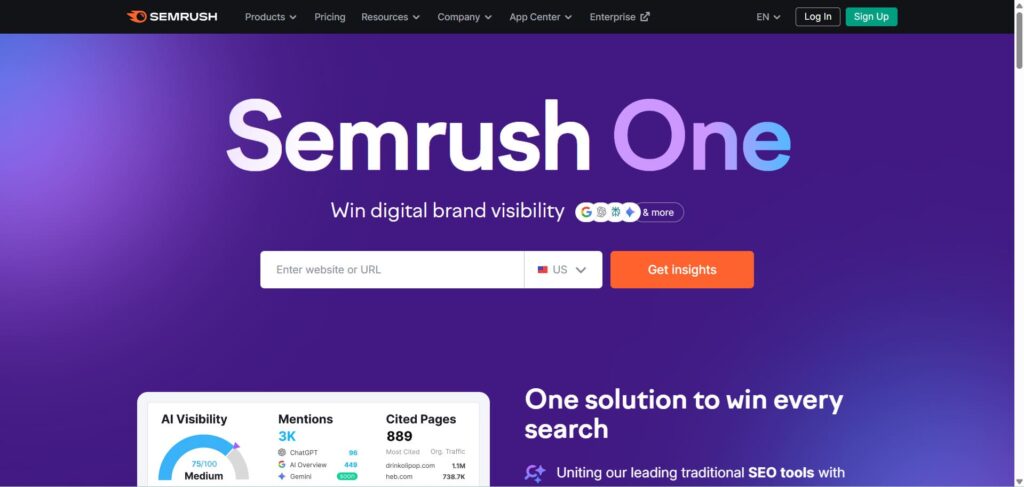
Tool 2: Semrush

Semrush

Semrush is an SEO tool that helps e-commerce businesses to optimize pages by using keyword research, backlink analysis, and technical audits. It offers tracking search performance, finding out traffic potential, and provides AI insights for content.


Best for: E-commerce store owners and marketers managing medium to large online stores on platforms like Shopify or WooCommerce.


Pricing: Freemium (Free limited version, Paid full version).


Key features:


  • Product keyword research tool.
  • Full website technical audit.
  • Content optimization suggestions.
  • Competitor intelligence reports.
  • Position tracking for all product pages.


Pros:


  • Provides a 360-degree view that includes keywords, backlinks, and rankings for e-commerce optimization.
  • Accurate keyword tracking and a good interface help identify gaps in product/category rankings.
  • AI-powered insights and content tools help efficient optimization without needing extensive specialized teams.
  • Reveal backlink profile and keyword gaps to outperform rivals in search results.
  • Scales for enterprises with traffic forecasting and ROI optimization tied to SEO efforts.


Cons:


  • Requires a learning curve to utilize all features, potentially overwhelming for small teams new to advanced SEO.
  • Focus on large datasets, which may lead to information overload without focused usage.
  • Integration with specific e-commerce platforms is not detailed, limiting seamless workflow assumptions.
  • Dependent on user input for audits and tracking, where incomplete data could affect accuracy.
  • No mention of automated e-commerce-specific optimizations like inventory-linked SEO.


Why it matters for e-commerce: Instead of juggling five different tools, you get everything in one dashboard. For a store owner managing a busy business, this saves time and money.

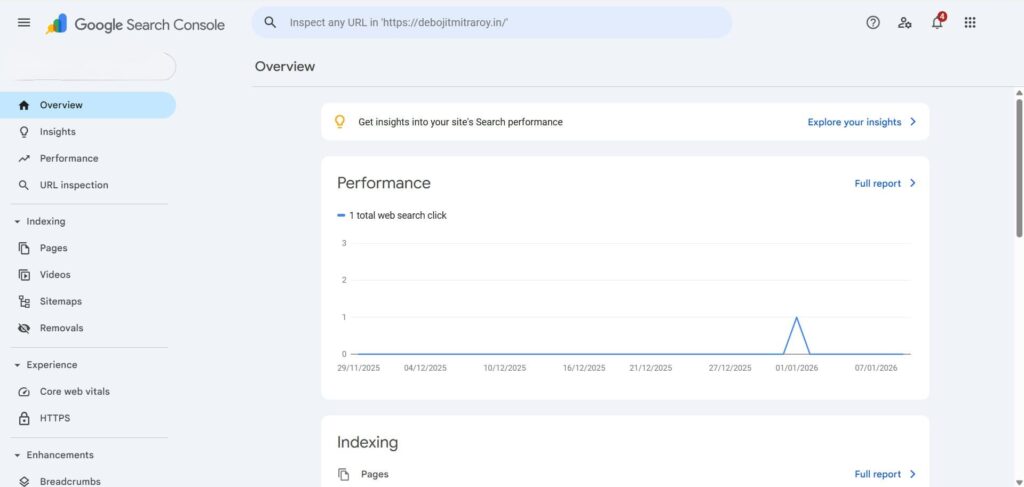
Tool 3: Google Search Console

Google Search Console 1

Google Search Console is a free tool from Google that helps you to measure site search traffic and performance and fix issues. It includes keyword tracking, localization, mobile keywords, and dashboard integration with Google Analytics.


Best for: Beginners and all store sizes on any platform. Great for monitoring how Google sees your site.


Pricing: Free.


Key features:


  • See which searches bring traffic to your site
  • Find pages with problems Google has spotted
  • Check if Google can crawl your pages
  • Get alerts when Google notices issues
  • Completely free


Pros:


  • Completely free and directly from Google for accurate data.
  • User-friendly dashboard with valuable insights.
  • Helps fix technical SEO issues quickly.
  • Integrates with other Google tools for a full picture.
  • Provides data accuracy for optimization.


Cons:


  • Limited to Google search data, no Bing or others.
  • No competitor analysis features.
  • Can be basic for advanced users.
  • Requires setup and verification.
  • No automated fixes, just reports.


Why it matters for e-commerce: You MUST have this set up. It shows which product pages Google loves and which ones need help. Start here before buying any paid tools.

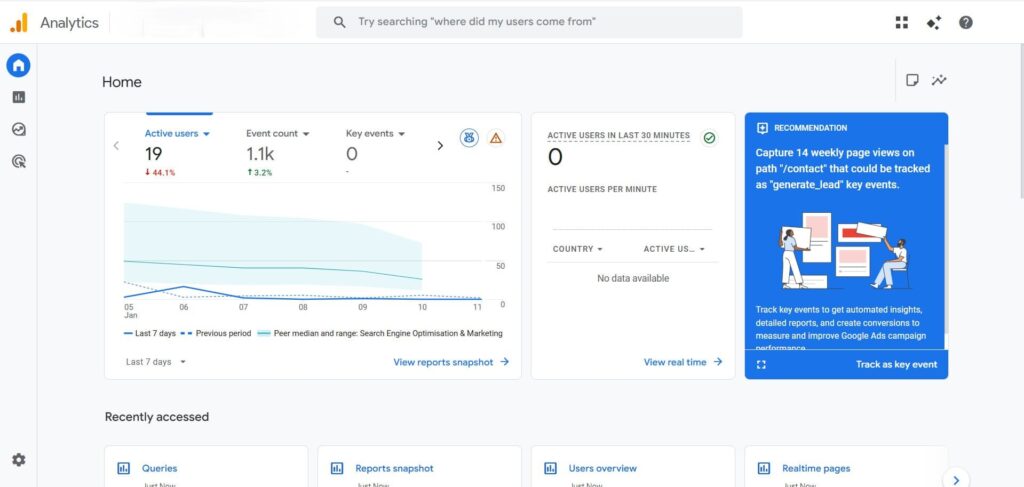
Tool 4: Google Analytics (GA4)

Google Analytics 1

Google Analytics 4 is a free platform for tracking website and app performance with event-based data, AI insights, and cross-device tracking. For e-commerce, it monitors product views, cart activities, and conversions.


Best for: All e-commerce stores, especially those needing user behavior insights.


Pricing: Free.


Key features:


  • Event-based tracking for detailed user actions, like adding to cart.
  • E-commerce reports for revenue, top products, and conversions.
  • AI-powered insights for predictions and anomalies.
  • Cross-device tracking to see full customer journeys.


Pros:


  • Free and easy to implement.
  • Enhanced measurement for better conversion tracking.
  • Machine learning features for smart insights.
  • Flexible for e-commerce with funnel analysis.
  • Integrates well with ads and SEO tools.


Cons:


  • Steep learning curve from older versions.
  • Privacy controls can limit data.
  • No session-based views like before.
  • Requires setup for e-commerce tracking.
  • Overwhelming data for small teams.


Why it matters for e-commerce: GA4 shows which keywords bring customers who actually buy. A page might get 1,000 visits but zero sales. GA4 reveals this.

Tool 5: Moz Pro

Moz pro

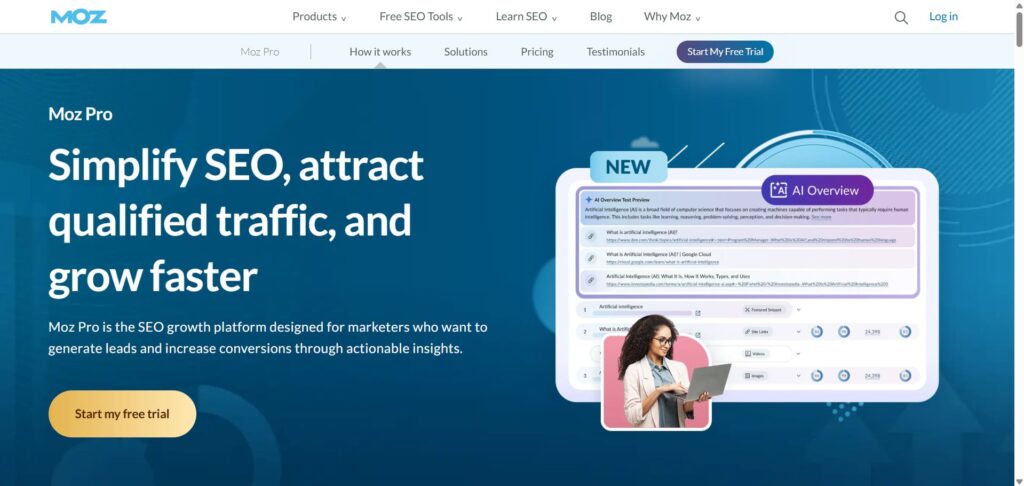
Moz Pro is an all-in-one SEO toolkit that helps e-commerce stores improve their search visibility, target keywords, and drive qualified traffic. It offers AI-powered insights for audience understanding, keyword optimization, and content creation.


Best for: Small to medium stores that want easy-to-use & beginner-friendly tools.


Pricing: Paid (30-day free trial usually available).


Key features:


  • Track rankings for your target keywords.
  • Identify broken links and crawl errors.
  • Get monthly SEO site health scores.
  • Keyword research for e-commerce.


Pros:


  • Centralized dashboard with Domain Overview for quick site snapshots and progress tracking.
  • Competitive research and SERP analysis to identify top keywords.
  • Site Crawl for in-depth audits and improve technical SEO.
  • Custom reports to showcase SEO results.
  • AI-powered features for efficient keyword suggestions and content decisions.


Cons:


  • Potential overwhelm for beginners despite onboarding tips and Help Hub.
  • Reliance on accurate but possibly limited Moz Data compared to other sources.
  • E-commerce-specific integrations or automated product feeds are not available in it.
  • Custom reports require manual setup, which may take longer.


Why it matters for e-commerce: Moz explains things simply. If you’re new to SEO, Moz will help you to work done easily.

Tool 6: Screaming Frog SEO Spider

Screaming Frog

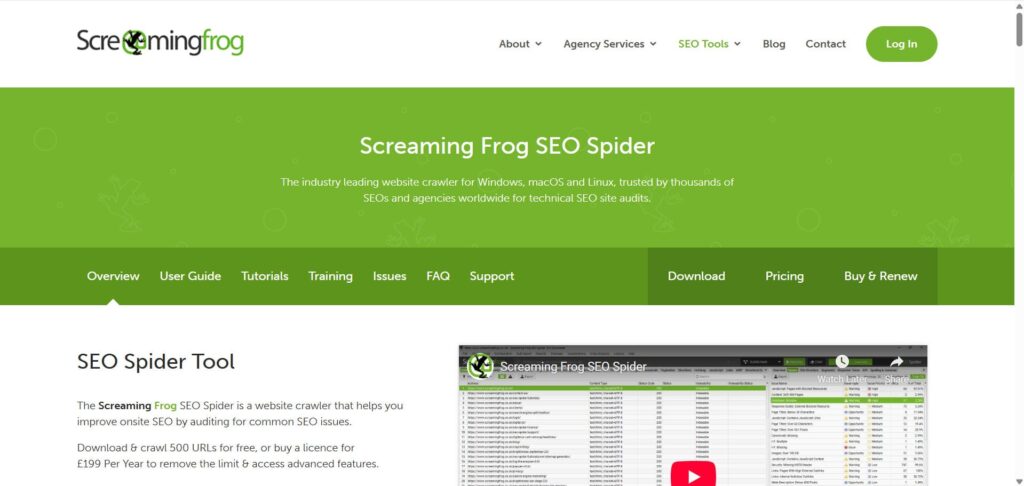
Screaming Frog SEO Spider is a website crawler that analyzes on-site elements, ideal for auditing large e-commerce sites to find issues like broken links or duplicate content.


Best for: Mid to large e-commerce stores need deep technical checks.


Pricing: Freemium.


Key features:


  • Scan 1,000+ pages at once.
  • Find duplicate content issues.
  • Identify broken links across the entire site.
  • Check meta tags and headers.
  • See crawl budget problems.


Pros:


  • Powerful for quick audits and flexible use.
  • Low-cost compared to cloud tools.
  • User-friendly interface for beginners.
  • Extensive crawling capabilities.
  • Good for spotting technical problems fast.


Cons:


  • Slow for very large e-commerce sites.
  • Learning curve for new users.
  • Limited cloud features in the desktop version.
  • No real-time monitoring.
  • Desktop-only, needs computer resources.


Why it matters for e-commerce: For stores with 500+ products, manual checking is impossible. Screaming Frog finds hidden problems in minutes.

Tool 7: Ubersuggest

Ubersuggest

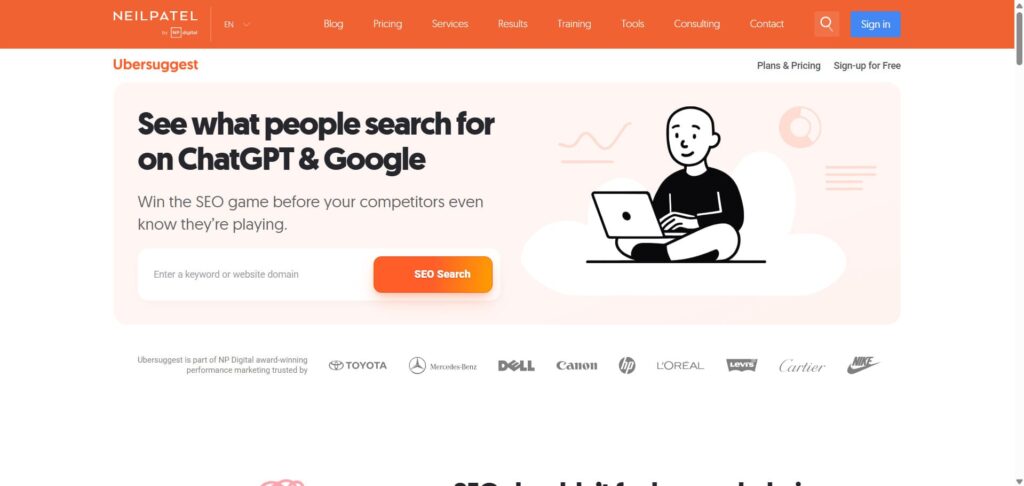
Ubersuggest is an all-in-one SEO tool by Neil Patel for keyword research, competitor analysis, site audits, and rank tracking. It uses AI to provide in-depth analytics, content gap analysis, and SERP insights. It helps e-commerce stores to optimize products, categories, and technical SEO to boost traffic.


Best for: Startups and small stores with limited budgets.


Pricing: Freemium.


Key features:


  • Keyword research for products.
  • Competitor analysis.
  • Backlink tracking.
  • Content ideas and optimization.
  • Affordable pricing.


Pros:


  • Affordable compared to other keyword tools and software.
  • Excellent customer support.
  • AI integrations like predictive analytics and content ideas help to take decision-making.
  • Trusted by over 250,000 users, with consistent updates.
  • Helps understand SEO techniques for better content creation and traffic growth.


Cons:


  • Estimates for keywords and data are based on numerous sources but may vary in accuracy compared to premium competitors.
  • Relies on user input for initial searches, potentially requiring multiple steps for full insights.
  • Free tier has some limitations, but premium features for advanced use.
  • Real-time integrations with e-commerce platforms are not mentioned.
  • Dependent on data providers, similar to other tools, possibly lacking unique depth in some areas.


Why it matters for e-commerce: You get professional-level insights without paying hundreds monthly. Great for stores just starting their SEO journey.

Tool 8: SE Ranking

SE Ranking

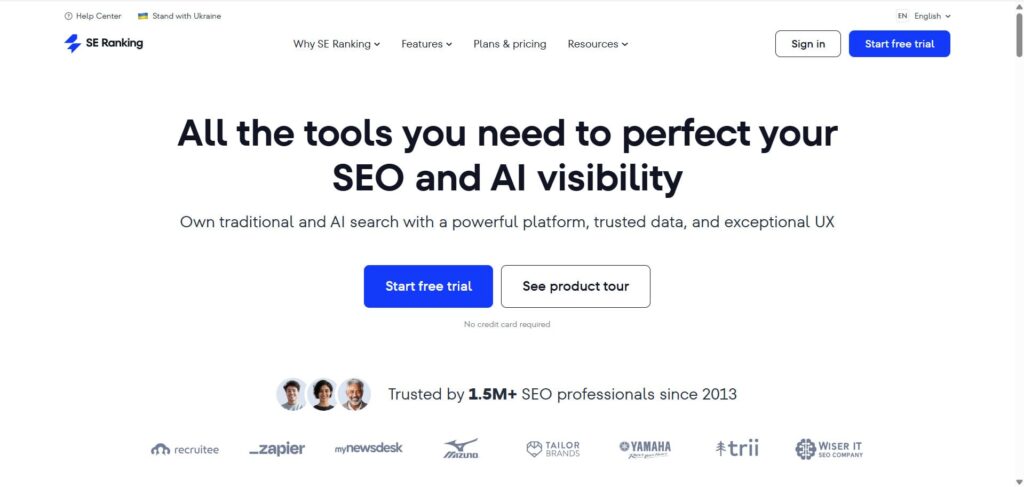
SE Ranking is an AI SEO software with tools for keyword tracking, site audits, and competitor analysis, providing accurate data and automated reports.


Best for: Small to medium stores on various platforms needing daily rank updates and in-depth audits.


Pricing: Paid.


Key features:


  • Track rankings for unlimited keywords.
  • Website audit and health check.
  • Competitor analysis.
  • Content optimization.
  • Backlink analysis.


Pros:


  • Clean and intuitive interface for easy use.
  • Accurate keyword tracking and broad features.
  • Affordable pricing with good value.
  • In-depth audits help manage campaigns.
  • Good for scheduled reports.


Cons:


  • Smaller database than top competitors.
  • Limited projects in basic plans.
  • May lack advanced enterprise features.
  • Relies on AI, which needs a user check.
  • Customer support varies.


Why it matters for e-commerce: More affordable than Semrush but nearly as powerful. Perfect for stores with 50-500 products.

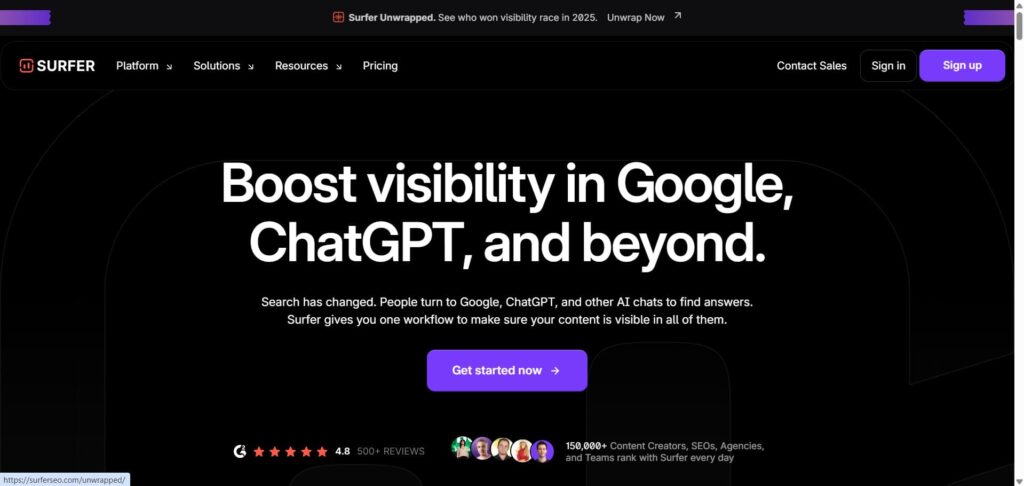
Tool 9: Surfer SEO

Surfer Seo

Surfer is an SEO content optimization platform that analyzes SERPs to identify content gaps, optimize on-page elements like keywords and structure, and generate ready-to-rank content.


Best For: Small to medium agencies and store owners.


Pricing: Paid.


Key features:

  • Content editor with on-page optimization.
  • See word count, keyword frequency of top results.
  • Readability and structure suggestions.
  • SERP analyzer.


Pros:


  • Speeds up content creation and optimization.
  • Improves rankings with data-driven suggestions.
  • Supports multilingual optimization, enabling consistent SEO workflows across markets.
  • Integrates with tools like Google Docs and WordPress for collaborative editing and publishing.
  • Offers plagiarism checking and an AI humanizer to ensure original, authentic content.


Cons:


  • Requires learning for features like Content Editor and SERP analysis. It is challenging for beginners.
  • Dependent on SERP data, which may vary by niche or region, limiting flexibility in some cases.
  • Add-ons and premium features increase complexity in workflow management.
  • No explicit mention of direct rank tracking tools beyond performance monitoring, possibly needing integration.
  • AI-generated content may still require manual review.


Why it matters for e-commerce: Top-ranking product pages aren’t magical. They follow patterns. Surfer shows you the pattern, and you follow it.

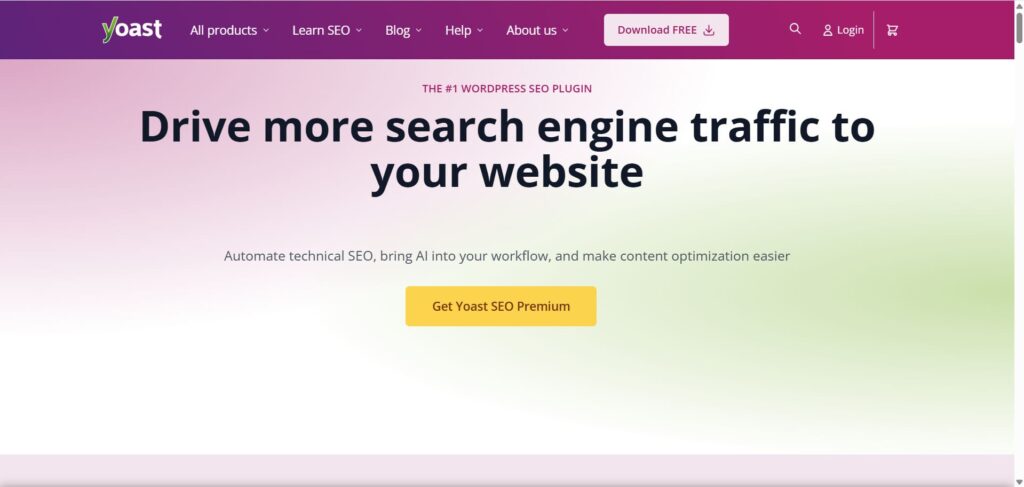
Tool 10: Yoast SEO

Yoast Seo

Yoast SEO Premium is a WordPress plugin that helps with technical SEO, and it helps with content optimization for e-commerce sites. It helps drive traffic by optimizing pages for multiple keywords, managing redirects, and providing AI-driven suggestions for meta titles and descriptions.


Best for: WooCommerce stores on WordPress.


Pricing: Freemium.


Key features:


  • Real-time SEO feedback as you type.
  • Readability suggestions.
  • Keyword optimization.
  • Free and premium versions.
  • Works perfectly with WooCommerce.


Pros:


  • Automates redirects to maintain link equity and user experience.
  • Includes internal linking suggestions for better site navigation and SEO.
  • Features 24/7 expert support and SEO Academy for ongoing guidance.
  • Integrates with the Google Docs add-on for real-time optimization during content creation.
  • Handles schema markup and sitemaps automatically.


Cons:


  • Limited to one website or domain per subscription, requiring additional purchases for multi-site use.
  • Relies on WordPress, so not compatible with other platforms.
  • No direct rank tracking tools mentioned, focusing more on on-page and technical aspects.
  • Basic free version lacks premium power.


Why it matters for e-commerce: If you use WordPress + WooCommerce, Yoast is essential. It makes optimization easy without coding knowledge.

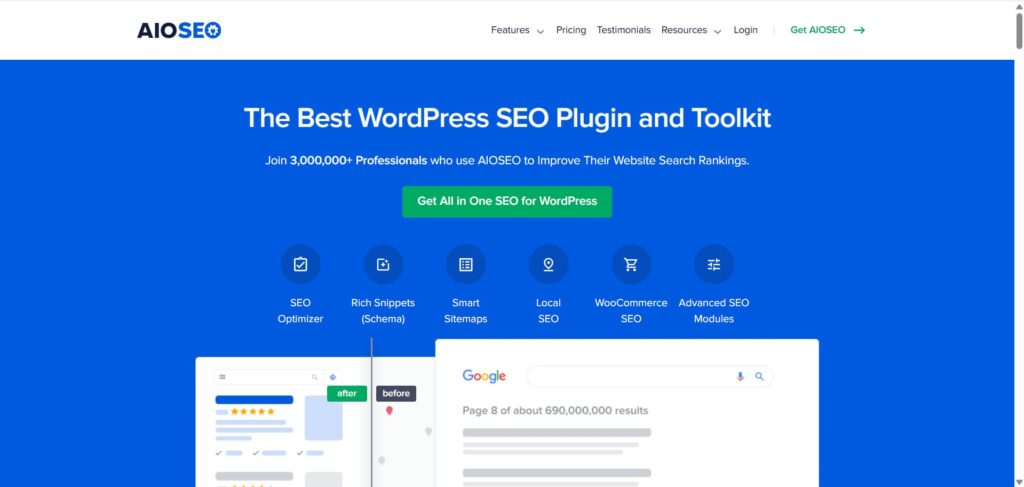
Tool 11: All In One SEO (AIOSEO)

AIOSEO

AIOSEO is a WordPress SEO plugin that optimizes e-commerce sites, mainly WooCommerce stores. It provides tools for on-page analysis, schema markup, keyword tracking, and automated sitemaps to improve technical SEO.


Best For: WooCommerce store owners on WordPress platforms.


Pricing: Freemium.


Key features:


  • On-page SEO optimization.
  • XML sitemap generation.
  • Redirect management.
  • Schema markup for products.
  • Beginner-friendly.


Pros:


  • Integrates with WooCommerce for e-commerce-specific SEO.
  • Offers an easy setup for quick SEO readiness without experts.
  • Tracks rankings and metrics in one dashboard for efficient monitoring.
  • Automates sitemaps and notifications for faster indexing.
  • Includes an AI writing assistant for real-time content feedback.


Cons:


  • Requires a self-hosted WordPress site; not compatible with non-WordPress platforms.
  • Full WooCommerce features likely need the Pro version, limiting the free tier.
  • No mention of mobile-specific optimizations beyond general SEO.
  • Dependent on WordPress, restricting use on other CMS like Shopify.
  • Potential performance impact not detailed, though claimed to be optimized.


Why it matters for e-commerce: Handles all the technical SEO background work automatically.

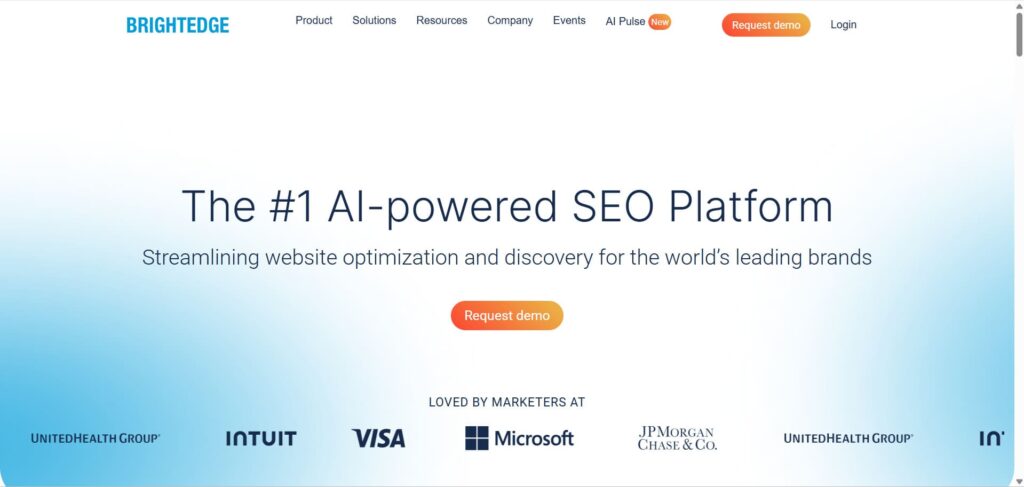
Tool 12: BrightEdge

BrightEdge

BrightEdge is an AI-powered enterprise SEO platform that optimizes websites for SERPs and AI search. It uses advanced keyword research, automation, and insights to boost visibility and rankings.


Best For: Enterprise (Large) companies.


Pricing: Premium.


Key features:


  • Manage 10,000+ pages easily.
  • Real-time SEO insights.
  • AI-powered optimization.
  • Detailed analytics dashboard.


Pros:


  • User-friendly interface with actionable insights.
  • All-in-one platform with SEO strategy, content optimization, and metrics without point solutions.
  • Help for AI advancements like Google’s AI and ChatGPT.
  • Integration with enterprise tools for security and governance.


Cons:


  • Geared toward enterprises, potentially overkill for small stores or basic needs.
  • Requires a demo request for access; there is no immediate free trial.
  • Focused on large-scale operations, may lack simplicity for solo users or small teams.
  • High cost for small budgets.


Why it matters for e-commerce: For huge operations, BrightEdge scales effortlessly.

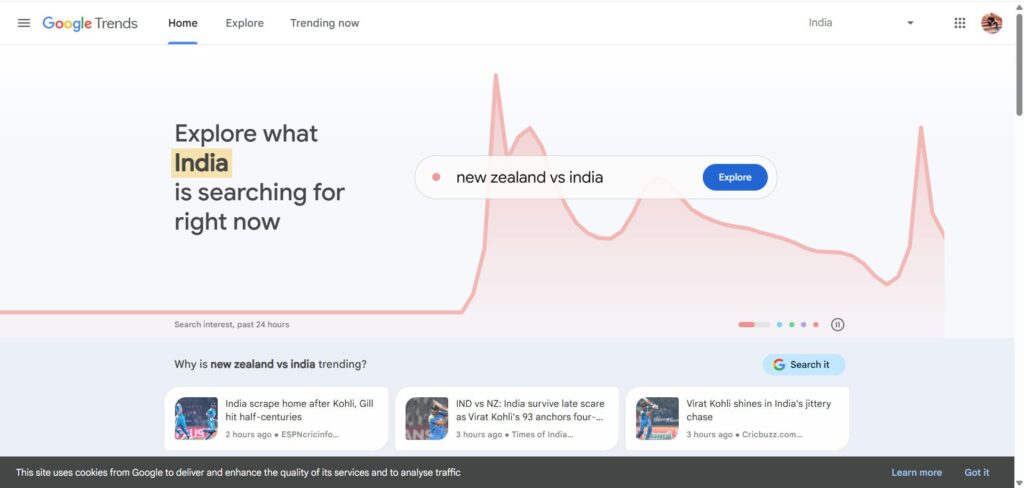
Tool 13: Google Trends

Google Trends

Google Trends is a free tool that shows search interest over time, helping with comparative keyword research and spotting spikes in volume for e-commerce planning.


Best for: All store sizes, spotting seasonal or trending products on any platform.


Pricing: Free.


Key features:


  • See what products people are searching for.
  • Spot seasonal trends (Christmas gifts, summer gear).
  • Compare search volume over time.
  • Free to use.


Pros:


  • Free and easy to use.
  • Real-time data for quick decisions.
  • Helps with marketing strategy.
  • Good for discovering new keywords.
  • Worldwide trends available.


Cons:


  • No deep analytics or tracking.
  • Limited to trends, not volumes.
  • Can lack specific e-commerce tools.
  • Data is relative, not absolute.
  • No integration with other SEO software.


Why it matters for e-commerce: Know when to stock items and create content. If the “waterproof phone cases” trend in July (summer season), create content in June.

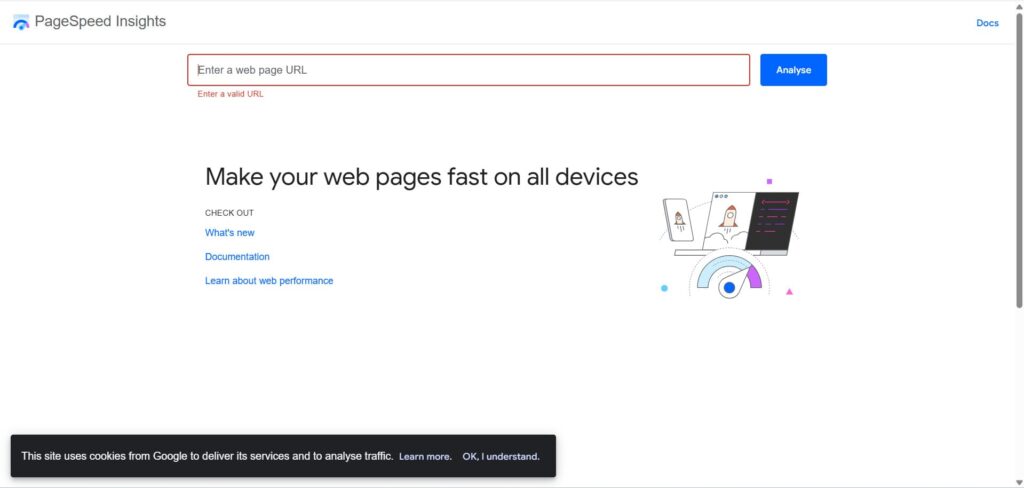
Tool 14: Google PageSpeed Insights

Google PageSpeed Insights

Google PageSpeed Insights analyzes website speed and Core Web Vitals, providing recommendations to improve loading times for better SEO.


Best for: Every online store (required)


Pricing: Free.


Key features:


  • Mobile and desktop speed scores.
  • Specific problems causing slowness.
  • Recommendations for fixes.
  • Free to use.


Pros:


  • Free and simple to use.
  • Direct recommendations from Google.
  • Improves rankings with better speed.
  • Combines with other tools like Lighthouse.
  • Helps with mobile optimization.


Cons:


  • Scores may not reflect the real user experience.
  • No automated fixes.
  • Limited to speed, not full SEO.
  • Can be technical for beginners.
  • Results vary by device.


Why it matters for e-commerce: Slow sites lose customers. Google also ranks fast sites higher. This tool shows exactly what to fix.

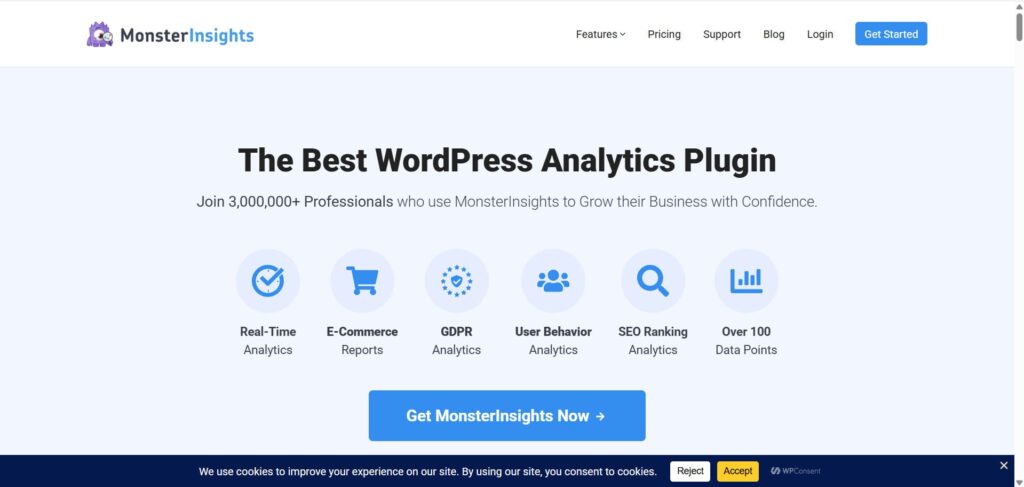
Tool 15: MonsterInsights

Majestic

MonsterInsights is a WordPress plugin that integrates Google Analytics to provide e-commerce insights, including real-time stats, user behavior, and SEO ranking analytics.


Best for: Small stores that find regular Google Analytics confusing.


Pricing: Paid.


Key features:


  • Easy-to-read analytics dashboard.
  • Which products do people search for.
  • Customer journey tracking.
  • Works with WordPress.
  • Beginner-friendly.


Pros:


  • Provides insights like user journeys and behavior reports to enhance performance.
  • Simplifies rank tracking via SEO analytics and content reports for data-driven optimization.
  • Reduces setup time for technical SEO tracking without code, ensuring accurate data for rankings.
  • User-friendly dashboard in WordPress.
  • Good support and addons.


Cons:


  • Limited to WordPress sites, not compatible with non-WordPress platforms or WordPress.com free plans.
  • Requires Google Analytics setup; no standalone rank tracking beyond integrated reports.
  • Dependent on plugin integrations for full eCommerce features, potentially limiting customization.
  • Paid for advanced features.
  • May slow site if not optimized.


Why it matters for e-commerce: Understanding analytics helps you make smart decisions. MonsterInsights makes this simple.

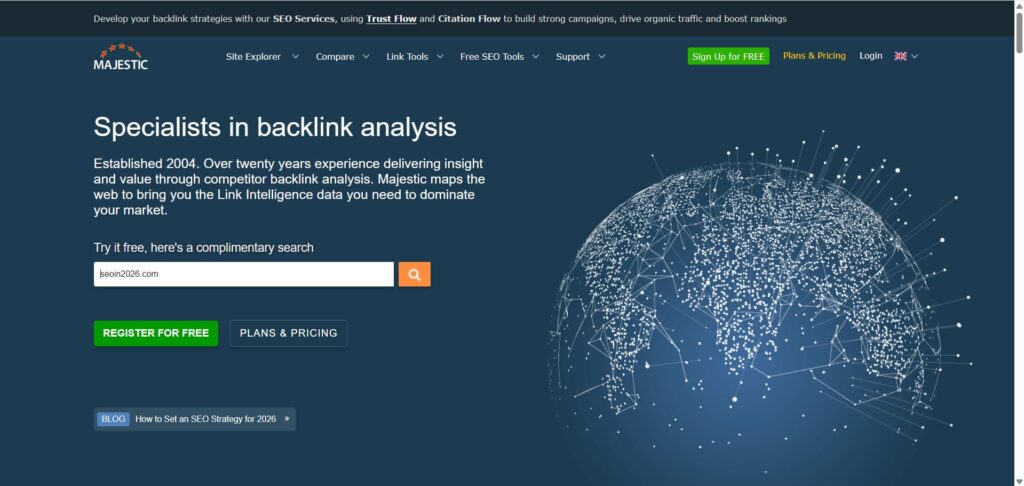
Tool 16: Majestic

MonsterInsights

Majestic is a backlink analysis tool that uses Trust Flow for link quality and Citation Flow for quantity to enhance SEO strategies. It helps to identify high-quality backlinks for product and category pages, improving topical relevance, and supporting technical SEO through link metrics.

Best for: Stores working on building authority and getting backlinks.

Pricing: Paid.

Key features:

  • Backlink history and tracking.
  • Competitor link analysis.
  • Link quality assessment.
  • Trust flow scoring.

Pros:

  • Extensive Fresh and Historic Indexes provide comprehensive backlink data.
  • Flow metrics offer insights into link balance, enhancing optimization for better search rankings.
  • API integration allows custom rank tracking tools for ongoing e-commerce monitoring.
  • Bulk backlink checks and exports support efficient analysis of competitor strategies.
  • Affordable for link focus.

Cons:

  • Primarily backlink-focused, requiring additional tools for full technical SEO, like site speed or schema.
  • Data volume may be hard to manage in small stores without dedicated SEO expertise.
  • Historical Index updates are periodic, potentially delaying rank tracking for recent changes.
  • No direct keyword tools mentioned, limiting integration with product keyword optimization.
  • Free tier limited.

Why it matters for e-commerce: Backlinks are trust signals to Google. Majestic helps you find linking opportunities and monitor your link profile.

Free V/s Paid E-commerce SEO Tools: Which One Should You Choose?

The honest truth: You need both.

What Free SEO Tools Can Really Do

Google’s free tools (Search Console, Analytics, PageSpeed Insights, Trends) give you essential information. They show what’s happening. 

Free tools are perfect for:

  • Starting your SEO journey
  • Understanding current performance
  • Finding obvious problems
  • Tracking basic metrics

Limitations of Free SEO Tools

Free tools don’t help you find new opportunities. They don’t compare you to competitors. They don’t suggest which keyword to target next.


Think of it like this: A free speedometer tells you that you’re driving 30 mph (current state). But it won’t tell you the fastest route to your destination or what other drivers are doing.

When Paid SEO Tools Become Necessary

Once your store has 20+ products and you want serious SEO results, paid tools become essential. Here’s why:

  • They save 40+ hours monthly on manual research
  • They find opportunities you would miss otherwise
  • They catch technical problems before they hurt rankings
  • They provide competitor intelligence

Budget-Based Recommendations

Small stores/startups ($0-$200/month budget):

  • Start with: Google’s free tools + Yoast SEO
  • Add later: Ubersuggest ($12/month)


Growing brands ($200-$500/month budget):

  • Core: Semrush ($99) + Screaming Frog ($99/year)
  • Optional: Google Analytics + Search Console (free)

Large e-commerce ($500+/month budget):

  • Semrush ($99) + Ahrefs ($99) + Screaming Frog ($99/year)
  • For WordPress: Add Yoast ($99/year)

How to Choose the Right E-commerce SEO Tools for Your Store

Here’s a simple framework:

Step 1: Know Your Store

  • How many products do you have? (10, 100, 1000+)
  • What platform do you use? (Shopify, WooCommerce, etc.)
  • What’s your budget? ($0, $50/month, $500/month?)
  • What team skills level do you have?

Step 2: Identify Your Main Goal

  • Get more organic traffic?
  • Improve current rankings?
  • Fix technical problems?
  • Understand competitors?

Step 3: Match to Tools

  • Traffic goal → Keyword research tools (Semrush, Ubersuggest)
  • Ranking improvement → Rank tracking (Moz, SE Ranking)
  • Technical problems → Auditing tools (Screaming Frog, Semrush)
  • Competitor intelligence → Analysis tools (Ahrefs, Semrush)

Step 4: Start Small, Expand.

Don’t buy 10 tools at once. Start with one good tool. Master it. Add another if needed.

How to Use These SEO Tools Together (Tool Stack Strategy)

Recommended Minimum Tool Stack.

For a serious e-commerce store, we recommend this combination:

  • Google Search Console (Health check)
  • Google Analytics (Sales check)
  • Semrush OR Ahrefs (The “Brain” for strategy)
  • Yoast (if on WP) (On-page helper)

Workflow Example:

Here is how to use them in a loop to get results:

  1. Audit: Use Screaming Frog to find broken pages. Fix them.
  2. Keywords: Use Semrush OR Ahrefs to find 10 new product keywords.
  3. Optimize: Use Surfer SEO to write descriptions for those products.
  4. Track: Use SE Ranking to see if you move up in Google.
  5. Improve: Use Google Analytics to see if those visitors are buying.

This way, you avoid overlap and get the best ROI.

Common Mistakes Store Owners Make with SEO Tools

Mistake 1: Buying Too Many Tools

Store owners often think more tools = better results.

Solution:
Start with 2-3 tools maximum. Master them first.

Mistake 2: Ignoring Search Intent

You find a keyword with 10,000 searches. Great! You optimize for it. But then you get no sales because the searches were from people just learning about products, not trying to buy.


Solution:
Always ask: “Are these people ready to buy?” Not every search is valuable.


Mistake 3: Tracking Rankings But Not Revenue

Your product ranks #1 for “blue shoes.” Congratulations! But if you don’t track how many shoes it actually sold, you’re celebrating the wrong thing.

Solution: Link ranking tracking to sales data. If rankings don’t increase revenue, something is wrong.

Mistake 4: Skipping Technical Fixes

You optimize content perfectly. But your website is slow and has 100 broken links. It won’t rank.

Solution: Fix technical problems first. Then optimize content.

Mistake 5: Over-relying on Automation

Tools are helpful, but they’re not magical. An automated tool can suggest content. But only a human can make sure it actually matches what your customers want.

Solution: Let tools do the heavy lifting. Then add your human touch.

Final Recommendations: Best E-commerce SEO Tools to Drive Traffic

By Business Stage:

Just Starting Out:

  1. Set up Google Search Console (free)
  2. Install Google Analytics 4 (free)
  3. Choose ONE: Yoast SEO (free version) or Ubersuggest ($12/month)
  4. Use Google Trends to find product opportunities

Growing (50-500 products):

  1. Keep all free tools above
  2. Add: Semrush or Moz Pro ($99/month)
  3. Add: Screaming Frog for technical audits ($99/year)
  4. Start connecting rankings to sales data

Scaling (500+ products):

  1. Use: Semrush + Ahrefs ($99 each/month)
  2. Add: BrightEdge or other enterprise tools
  3. Hire an SEO specialist if possible
  4. Focus on automation and efficiency

Most Important: Take Action

The best tool in the world won’t help if you don’t use it. Start with what you have (Google’s free tools). Optimize your top 10 products this week. Track the results. Expand from there.

Remember: SEO is a race. Stay consistent, use the right tools, and your organic traffic will grow month after month. That’s how successful e-commerce stores win.

FAQs:

What are e-commerce SEO tools?

They are software designed to help online stores rank higher on Google by finding keywords, fixing errors, and spying on competitors.

Are there any free e-commerce SEO tools?

Yes! Google Search Console, Google Analytics, and Google Trends are completely free and very powerful.

Which is the best SEO tool for e-commerce websites?

For most people, Semrush is the best all-around choice because it is easy to use and has great data. For technical pros, Ahrefs is often preferred.

Do I need multiple SEO tools for my online store?

Usually, yes. A good combination is one keyword tool (like Semrush) plus the free Google tools.

Are SEO tools worth it for small e-commerce businesses?

Yes, because they save you time. Trying to do SEO manually for a store takes too long.

Do these SEO tools work with Shopify & WooCommerce?

Yes, most major tools like Ahrefs and Semrush work with any website. Specific plugins like Yoast are for WordPress/WooCommerce only.

Can SEO tools guarantee top rankings?

No tool can guarantee a #1 spot. They give you the data and advice you need to get there, but you have to do the work.

Related Blogs

E-Commerce SEO Mistakes That Are Killing Your Online Store Growth

Our Blogs Blogs / Blog Details E-Commerce SEO Mistakes That Are Killing Your Online Store Growth Comments No Comments Author Debojit Mitra Roy Post Date January 22, 2026 View 0 Shares "Explore the significance of digital marketing in today’s business landscape and discover effective strategies and powerful tools to enhance your online presence & engage your target audience." Debojit Mitra Roy Introduction: Imagine you own an online store. You have beautiful products, great prices, and friendly customer service. But here's the problem: nobody can find your store on Google.This happens more often than you think.Why?Because of one small technical mistake that can hide thousands of your products from search results.Let me give you a real example.A furniture store called "ComfyChairs" had 5,000 products listed on its website. But Google was only finding 200 of them. The rest were invisible in search results. Why? Their website had a poor structure that confused Google. It was like having a library where all the books are hidden in random boxes instead of on organized shelves.In this guide, we'll show you the 24 biggest mistakes that are preventing your online store from growing.Each mistake includes:Why it's a problem.How it hurt your business.Simple steps to...


The Complete Guide to Ecommerce SEO in 2025

Our Blogs Blogs / Blog Details The Complete Guide to Ecommerce SEO in 2025 Comments No Comments Author Debojit Mitra Roy Post Date January 4, 2026 View 0 Shares "Explore the significance of digital marketing in today’s business landscape and discover effective strategies and powerful tools to enhance your online presence & engage your target audience." Adamson Janny​ Introduction E-commerce is growing faster than ever, and so is the competition. In 2026, getting your online store found on Google is no longer optional—it’s a must. This guide will teach you how to use SEO (Search Engine Optimization) to bring more people to your online shop. We’ll explain every step in simple words so that even a 6th grader can understand and apply it. What is E-commerce SEO? E-commerce SEO helps your online store to rank higher on Google. Bringing more organic traffic from search engines. By using the right keywords and making your site easy to use. You can get more visitors and turn them into buyers, without spending on ads. Why E-commere SEO is Crucial in 2026 Here’s why SEO is more important than ever: 1. AI Search is Changing Everything: With tools like ChatGPT and Google SGE, people...

WhatsApp